One-Line Sanity Checks After Every Transformation

Small habits that catch data bugs early

data-wrangling
debugging
workflows
R-Hacks N.5
Author

Federica Gazzelloni

Published

February 2, 2026

This hack is based on RLadiesRome Tutorial analysis on From Basics to Advanced Health Analytics: Exploring Diabetes Data:
🔗 https://rladiesrome.github.io/Principles-of-data-Analysis-in-R/


When working with data, most bugs don’t come from complex models.

They come from small transformations that quietly change your data in ways you didn’t expect:

  • filter() that drops too many rows
  • join() that duplicates observations
  • mutate() that introduces impossible values

This R-Hack shows how to build a habit of running one-line sanity checks after every major transformation, using a concrete example from our Exploring Diabetes Data tutorial.

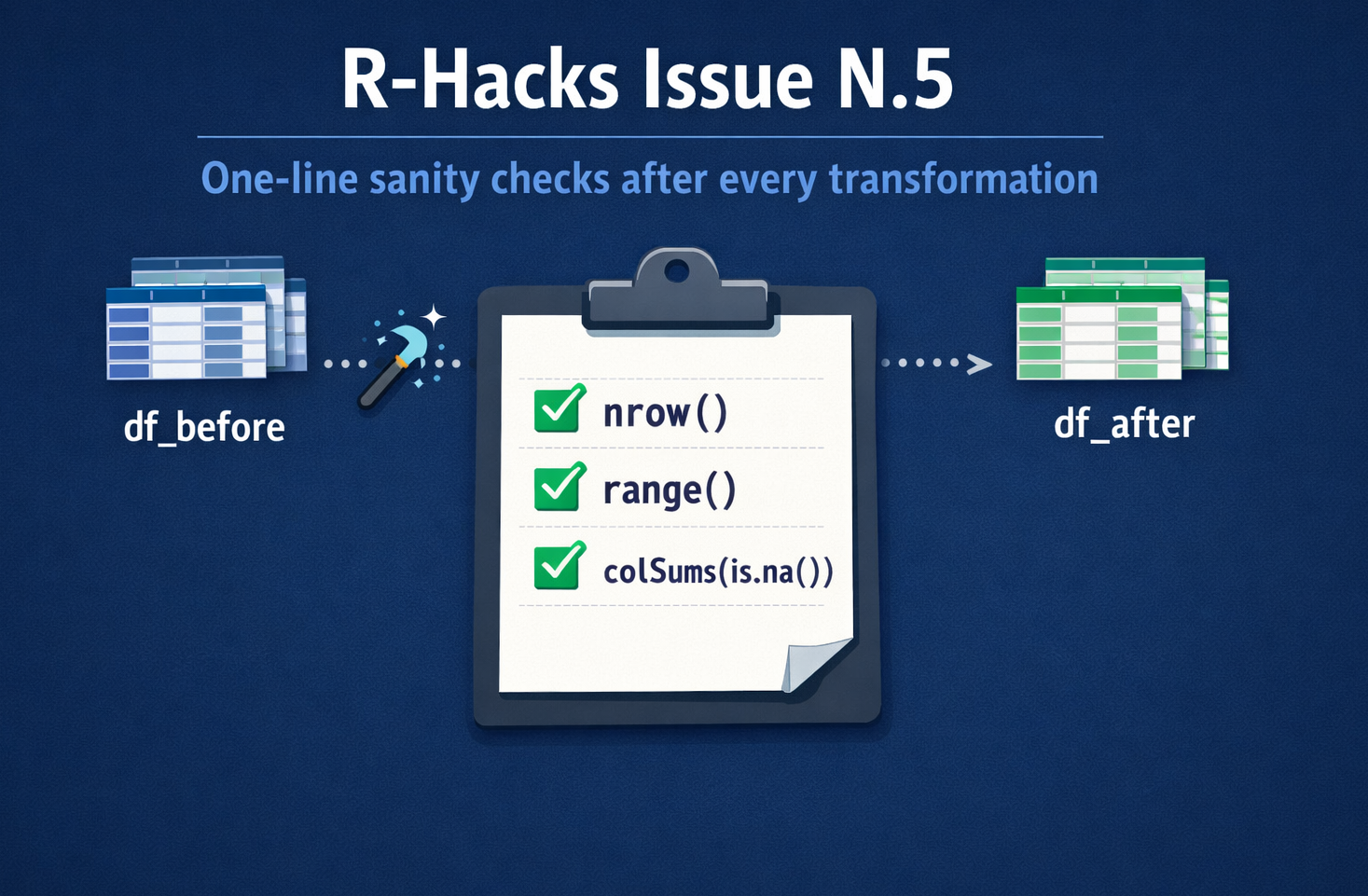
One-line sanity checks you can run after every major transformation.


They are quick, cheap, and often enough to catch problems before plots or models hide them.

Why One-Line Checks Matter

Transformations are the most fragile part of a data workflow. They change structure, size, and meaning — often without throwing an error.

The goal here is not defensive programming or heavy validation. It’s about building small, automatic pauses that let you ask:

“Does the data still look the way I expect?”

Data Example: Diabetes Dataset (Before Clustering)

In the tutorial, the diabetes dataset is cleaned and prepared before moving to k-prototypes clustering.

At that point, the data typically goes through steps like:

  • selecting relevant variables
  • recoding categorical fields
  • filtering incomplete observations

That makes it an ideal place to pause and check assumptions. Let’s simulate a sample dataset similar to the one used in the tutorial:

library(dplyr)

set.seed(123)

df_before <- data.frame(
  id       = 1:300,
  age      = round(rnorm(300, mean = 55, sd = 10)),
  bmi      = round(rnorm(300, mean = 28, sd = 5), 1),
  glucose  = round(rnorm(300, mean = 120, sd = 30)),
  sex      = sample(c("Female", "Male"), 300, replace = TRUE),
  diabetes = sample(c("No", "Yes"), 300, replace = TRUE, prob = c(0.7, 0.3))
)

# Introduce realistic missingness (so filtering has an effect)
set.seed(456)
df_before$bmi[sample(seq_len(nrow(df_before)), size = 20)] <- NA
df_before$glucose[sample(seq_len(nrow(df_before)), size = 15)] <- NA


dim(df_before)
[1] 300   6
head(df_before)
  id age  bmi glucose    sex diabetes
1  1  49 24.4     152   Male       No
2  2  53 24.2     119   Male       No
3  3  71 23.3     119   Male       No
4  4  56 22.7      75 Female      Yes
5  5  56 25.8     144   Male       No
6  6  72 29.7     114 Female      Yes

After the transformations, we get a new dataframe df_after:

df_after <- df_before |>
  dplyr::filter(!is.na(glucose), !is.na(bmi)) |>
  dplyr::mutate(
    diabetes = factor(diabetes, levels = c("No", "Yes"))
  )

dim(df_after)
[1] 266   6
head(df_after)
  id age  bmi glucose    sex diabetes
1  1  49 24.4     152   Male       No
2  2  53 24.2     119   Male       No
3  3  71 23.3     119   Male       No
4  4  56 22.7      75 Female      Yes
5  5  56 25.8     144   Male       No
6  6  72 29.7     114 Female      Yes

Check 1 – Did the Row Count Change as Expected?

After any operation that could affect the number of rows, check it explicitly.

# One-line sanity check: did we drop rows as expected?
nrow(df_before)
[1] 300
nrow(df_after)
[1] 266

Notes (why this works)

  • We create missing values in bmi and glucose, which is common in real health datasets.
  • The filter step now drops incomplete rows, so df_after has fewer rows than df_before.
  • This makes your “row count changed” check meaningful and aligned with Issue N.5’s message.

In this context, a reduction is expected, but it should be understood and intentional.

Use this after:

  • filter()
  • join()
  • subsetting
  • removing duplicates

What this catches:

  • accidental row loss
  • many-to-many joins
  • accidental over-filtering
  • unintended row drops
  • silent data duplication

If the number changes unexpectedly, stop and investigate. This single check prevents a large class of downstream errors.

Check 2 – Do Key Variables Still Look Reasonable?

Whenever you create or transform a variable, inspect its range.

summary(df_after$age)
   Min. 1st Qu.  Median    Mean 3rd Qu.    Max. 
   32.0    49.0    55.0    55.4    61.0    87.0 
range(df_after$bmi, na.rm = TRUE)
[1] 14.0 40.9

Look for:

  • negative values where they shouldn’t exist
  • impossible values (e.g. BMI of 5)
  • suspicious defaults (e.g. all zeros)
  • transformations that didn’t behave as expected

These problems are much easier to fix immediately than after modelling.

Check 3 – Did Missingness Increase?

Joins and reshaping often introduce NAs. Count them explicitly.

colSums(is.na(df_after))
      id      age      bmi  glucose      sex diabetes 
       0        0        0        0        0        0 

This gives a fast overview of:

  • columns that need cleaning
  • variables that may bias analysis
  • fields that should be dropped or imputed

Never assume “there aren’t many NAs”. Check!

Check 4 – Do Group Sizes Still Make Sense?

Before summarising or modelling grouped data, look at the group counts. In particular, before using categorical variables in clustering or summaries, check their distribution.
df_after |> dplyr::count(diabetes)
  diabetes   n
1       No 188
2      Yes  78

This is especially important before:

  • rates or percentages
  • averages by group
  • comparisons across categories

This prevents:

  • unstable clusters
  • categories with too few observations
  • misleading interpretations

What this catches:

  • tiny or empty groups
  • unstable estimates
  • summaries that look precise but aren’t meaningful

Making This a Habit

These checks are not meant to clutter your script. They are meant to become automatic.

A good rule of thumb:

  • After anything that changes rows → check nrow()
  • After anything that changes values → check summary() or range()
  • After anything that combines data → check NAs
  • Before summarising → check group sizes

One line is often enough.

In Short

  • Most data bugs enter during transformations
  • One-line checks catch problems early
  • They cost seconds and save hours
  • Make them a habit, not an afterthought

This is not about perfection. It’s about seeing problems while they’re still small.


Tip

If you want to stay up to date with the latest events and posts from the Rome R Users Group, follow us here:

👉 https://www.meetup.com/rome-r-users-group/

Back to top