CSV vs Parquet: A Better Default for Analytics

Faster reads, smaller files, cleaner workflows

Parquet
Arrow
data-storage
performance
R-Hacks N.8
Author

Federica Gazzelloni

Published

February 22, 2026


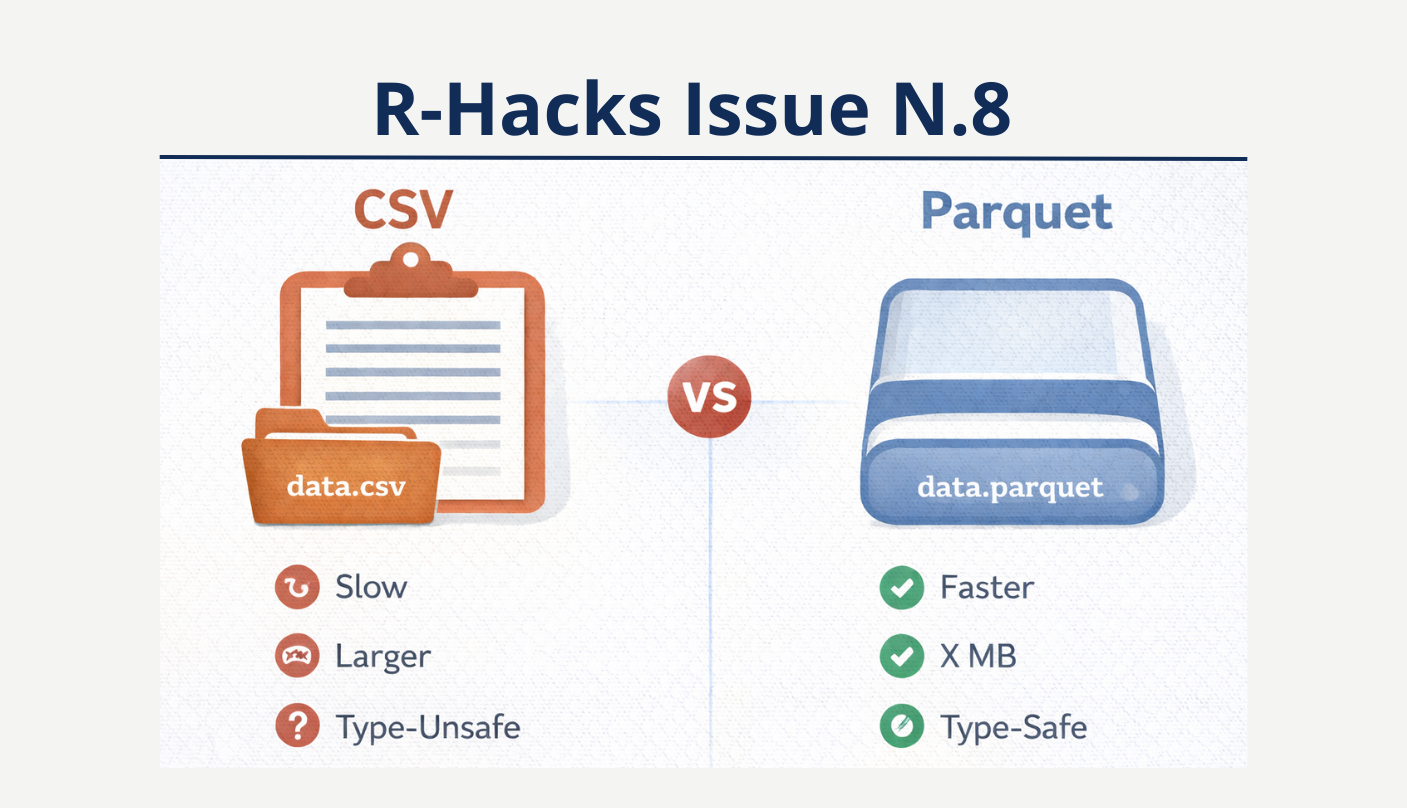
ChatGPT generated image

CSV vs Parquet: A Better Default for Analytics (ChatGPT generated image)

If you are still saving analytical datasets as .csv by default, you are likely paying a hidden tax:

CSV is universal. But universal does not mean optimal.

This R-Hack explains why Parquet should often be your default for analytical workflows.

What Is Parquet?

Parquet is a columnar, binary storage format designed for analytics.

Unlike CSV:

  • It stores column types explicitly
  • It compresses data efficiently
  • It reads columns independently

In R, Parquet support is provided by the arrow package.

# Example R code chunk
# Load necessary libraries
library(arrow)
library(dplyr)

# Create a sample data frame
data <- data.frame(
  id = 1:5,
  value = c(10.5, 20.3, 30.8, 40.2, 50.1)
)

# Write the data frame to a Parquet file
write_parquet(data, "sample_data.parquet")

# Read the Parquet file back into R
data_read <- read_parquet("sample_data.parquet")

# Print the data
print(data_read)
# A tibble: 5 × 2
     id value
  <int> <dbl>
1     1  10.5
2     2  20.3
3     3  30.8
4     4  40.2
5     5  50.1

Step 1 — Simulate a Realistic Dataset

set.seed(123)

df <- data.frame(
  id = 1:200000,
  category = sample(LETTERS[1:5], 200000, replace = TRUE),
  value = rnorm(200000),
  flag = sample(c(TRUE, FALSE), 200000, replace = TRUE)
)

This mimics a moderately sized analytical dataset.
Step 2 — Save and Read as CSV

write.csv(df, "data.csv", row.names = FALSE)

system.time({
  df_csv <- read.csv("data.csv")
})
   user  system elapsed 
  0.255   0.011   0.268 

Now check file size:

file.info("data.csv")$size
[1] 6819327

CSV:

  • stores everything as text
  • requires parsing every time
  • guesses types on read

Step 3 — Save and Read as Parquet

write_parquet(df, "data.parquet")

system.time({
  df_parquet <- read_parquet("data.parquet")
})
   user  system elapsed 
  0.008   0.001   0.007 

Check file size:

file.info("data.parquet")$size
[1] 3231687

You will typically observe:

  • faster read time
  • smaller file size
  • preserved data types

Why This Matters in Practice?

1️⃣ Speed

Parquet reads are faster because:

  • it stores columns independently
  • it avoids text parsing
  • it uses compression effectively

This becomes significant as datasets grow.

2️⃣ File Size

Parquet compresses automatically. In many real-world cases parquet files are 30–70% smaller than CSV equivalents:

  • Less storage
  • Faster transfer
  • Cleaner repositories

3️⃣ Type Safety

CSV does not store types.

Every read operation reinterprets:

  • logical values
  • factors
  • dates
  • numeric columns

Parquet preserves them.

This reduces silent coercion bugs.

Bonus — Select Columns Without Loading Everything

With arrow, you can load only what you need:

read_parquet("data.parquet", col_select = c("id", "value"))
# A tibble: 200,000 × 2
      id   value
   <int>   <dbl>
 1     1  0.945 
 2     2 -0.284 
 3     3  0.395 
 4     4  1.32  
 5     5  0.872 
 6     6  0.0354
 7     7 -0.427 
 8     8 -0.975 
 9     9  0.0965
10    10  0.808 
# ℹ 199,990 more rows

This is especially powerful for:

  • large analytical datasets
  • remote storage
  • modular pipelines

When CSV Is Still Appropriate

CSV is fine when:

  • exporting for non-technical users
  • sharing small files
  • generating human-readable outputs

But for analytical workflows?

Parquet is usually superior.

Workflow Recommendation

For reproducible projects:

  • Raw data → store as Parquet
  • Intermediate processed data → store as Parquet
  • Final exports → optionally CSV

Think of Parquet as your working format, and CSV as your exchange format.

Note

In Short

  • CSV is universal but inefficient
  • Parquet is faster, smaller, and type-safe
  • Switching requires only {arrow}
  • Make Parquet your default for analysis projects

Modern workflows deserve modern storage.

Tip

If you want to stay up to date with the latest events and posts from the Rome R Users Group:

👉 https://www.meetup.com/rome-r-users-group/

Back to top