Stop Guessing Why Your Code Breaks
A simple way to debug R pipelines
AI can now generate R code in seconds.
But when that code breaks, something interesting happens.
Most people do not debug it.
They regenerate it.
The problem is not the error.
The problem is not knowing where it comes from.
Debugging is not about fixing code. It is about locating the failure.
This R-Hack introduces a simple way to understand where things go wrong.
1️⃣ A Typical Situation
You run a pipeline:
And something fails.
You get: - an error
- a warning
- or a result that does not make sense
The usual reaction is to change the code.
But that is guessing.
2️⃣ The Structural View
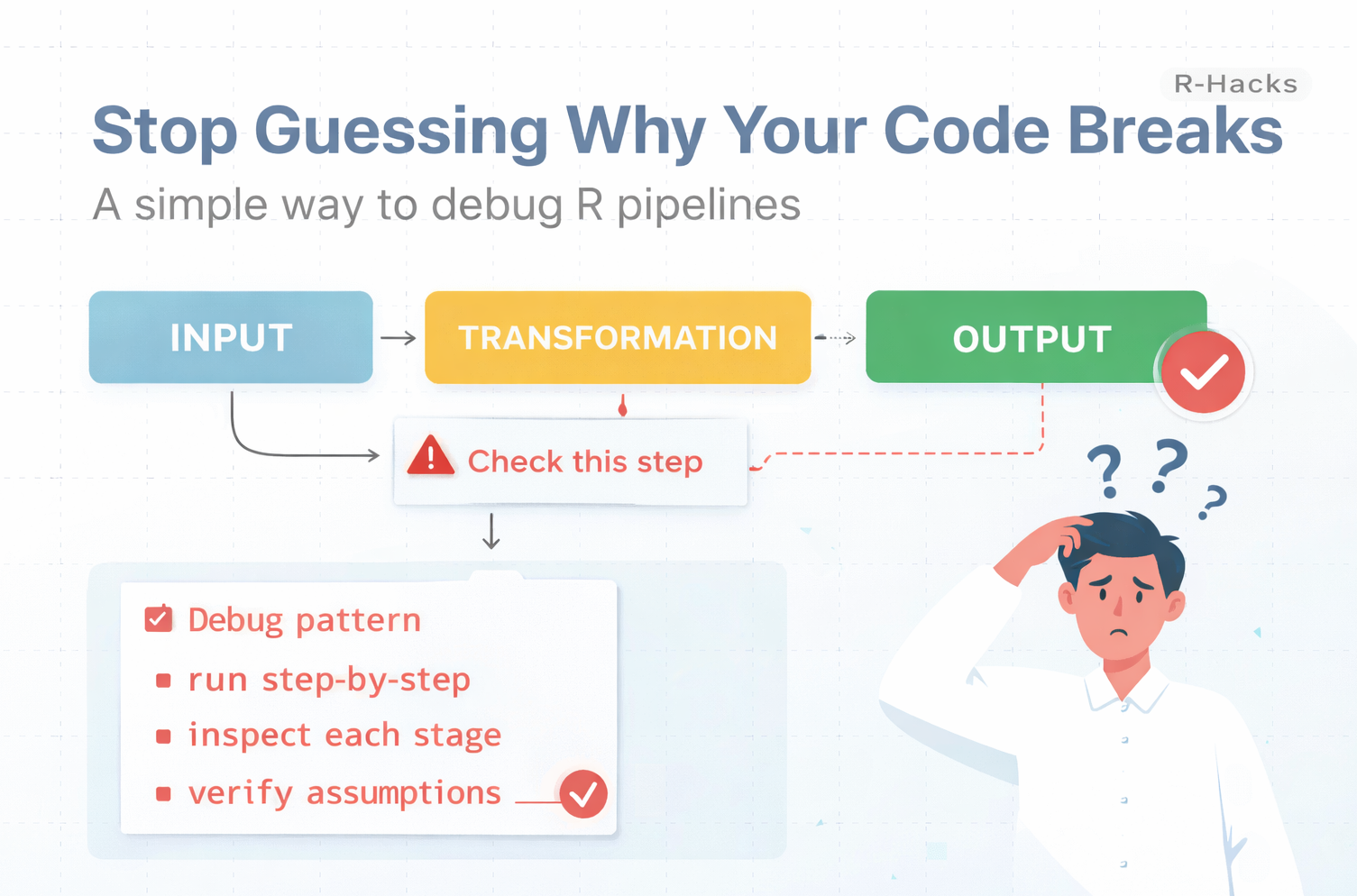
Every pipeline has three parts:
- input
- transformation
- output
The goal is not to fix everything at once.
The goal is to isolate where the problem appears.
Instead of asking “what is wrong?”, ask:
“where does it start going wrong?”
3️⃣ Break the Pipeline
Run the code step by step.
Now you can inspect each stage.
4️⃣ Check Assumptions
At each step, verify what you expect:
You are checking:
- does the data look reasonable?
- are there unexpected values?
- did a transformation introduce problems?
This is often enough to identify the issue.
5️⃣ A Simple Debugging Habit
Instead of rewriting code, apply a pattern:
- run pipelines step-by-step
- store intermediate results
- inspect outputs at each stage
- verify assumptions before continuing
This takes a few seconds.
But it removes guesswork.
Why This Matters
AI-generated code often looks correct.
But small issues can appear:
- missing values
- divisions by zero
- incorrect assumptions about columns
- unexpected data types
If you only rerun or regenerate code, you never see where the problem started.
Debugging is not trial and error.
It is observation.
In Short
- errors are located, not random
- pipelines should be broken into steps
- intermediate outputs reveal problems
- assumptions must be verified
- debugging is a method, not a guess
AI can write code.
You still need to understand where it breaks.
If you want to stay up to date with the latest events and posts from the Rome R Users Group:
👉 https://www.meetup.com/rome-r-users-group/